Haag Streit LENSTAR® - Program Functions
Report Writer
Tools -> Reporter
Click on images to enlarge for better viewing.
The report writer function in Tools -> Reporter allows you to create reports for scientific evaluation of measurement data and analysis created with EyeSuite. To create a report you have to first define the content of the report in a template using the Haag-Streit script language.
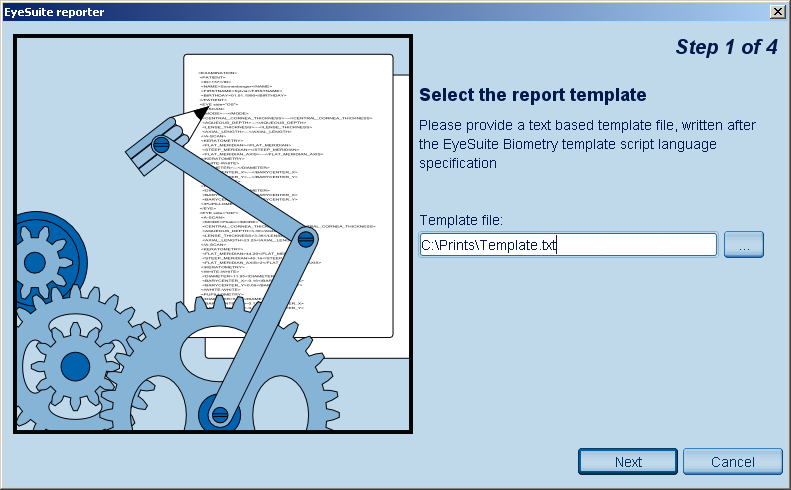
Select a template file you created prior to the start of the report writer. Use the browse button  to select a specific template file. to select a specific template file.
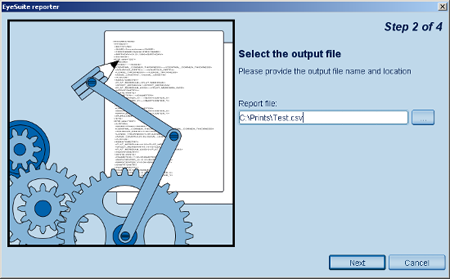
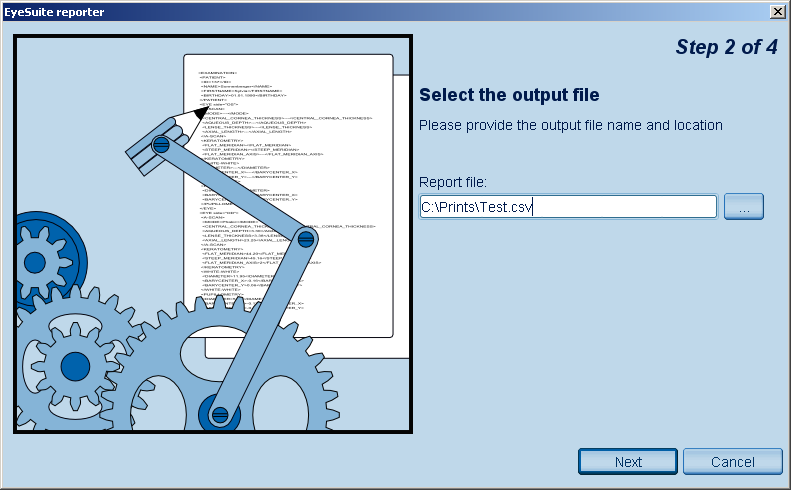
Select a file you created prior to the start of the report writer, where the report should be placed in. Use the browse button to select a specific file.
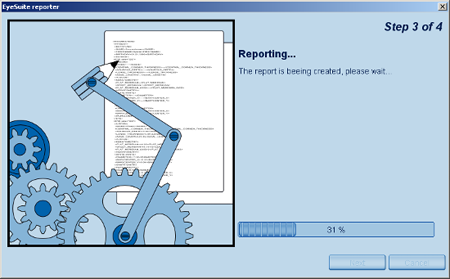
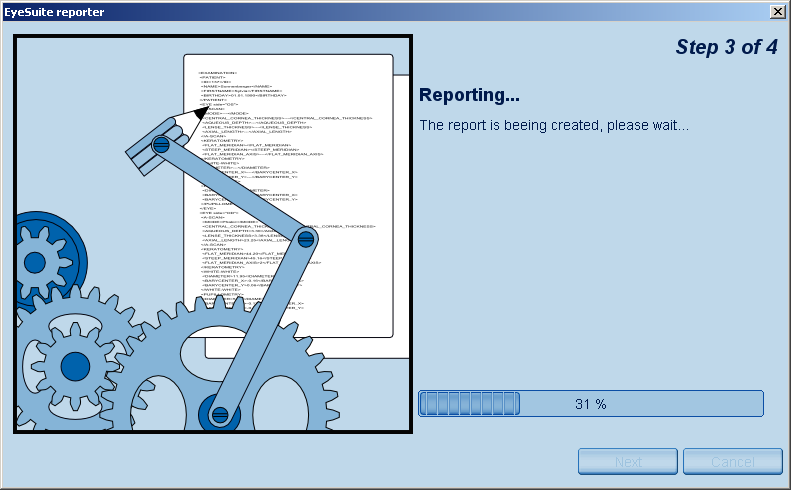
EyeSuite creates now the report in the desired format of the template.
|