Haag Streit LENSTAR® - Program Functions
Options Manager
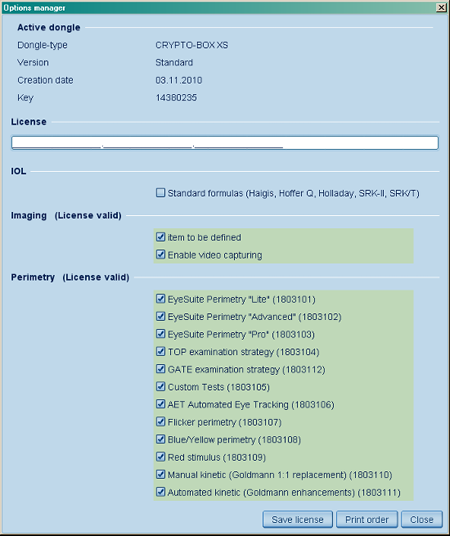
Tools -> Options manager
Click on images to enlarge for better viewing.
If you purchased options with your instrument or software, you need to activate them by entering a "License" code into EyeSuite.
Preparation
- Following the installation of EyeSuite, connect your Haag-Streit instrument or alternatively the "Marx Crypto Box" USB hardlock key to your computer.
- Run EyeSuite
- Go to the menu Tools -> Options manager
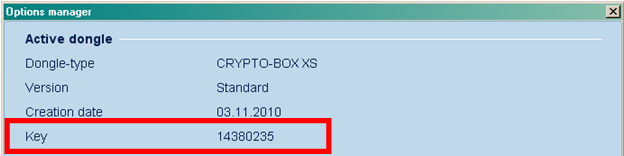
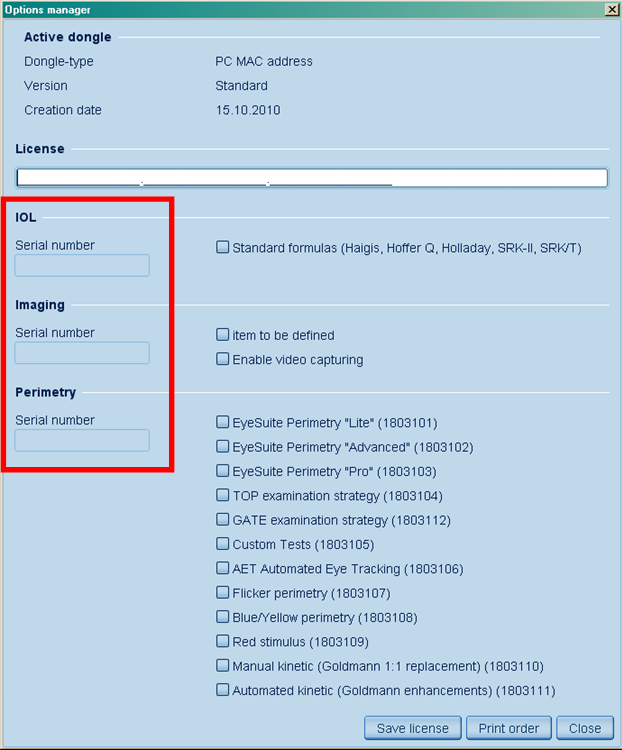
- If you have already received a license code to activate your options, proceed to the next chapter. If not, provide your distributor with the key number in case you have received a USB key, or with the serial number(s) of your instruments that will be displayed within the options manager dialog.
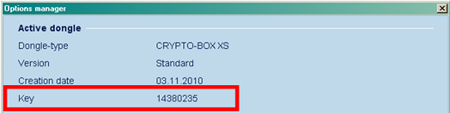
Marx Crypto-box USB key number. 
Serial numbers of Haag-Streit instruments connected to your computer.
- After providing the key number or serial number(s) to your local distributor, you will receive your activation key. In the meantime, while waiting for your key or to evaluate additional functions, all options will be available for a trial period of 30 days following the installation.
Entering the License Key
Once you received your license key, restart EyeSuite and make sure your Haag-Streit instrument and/or your USB key are connected.

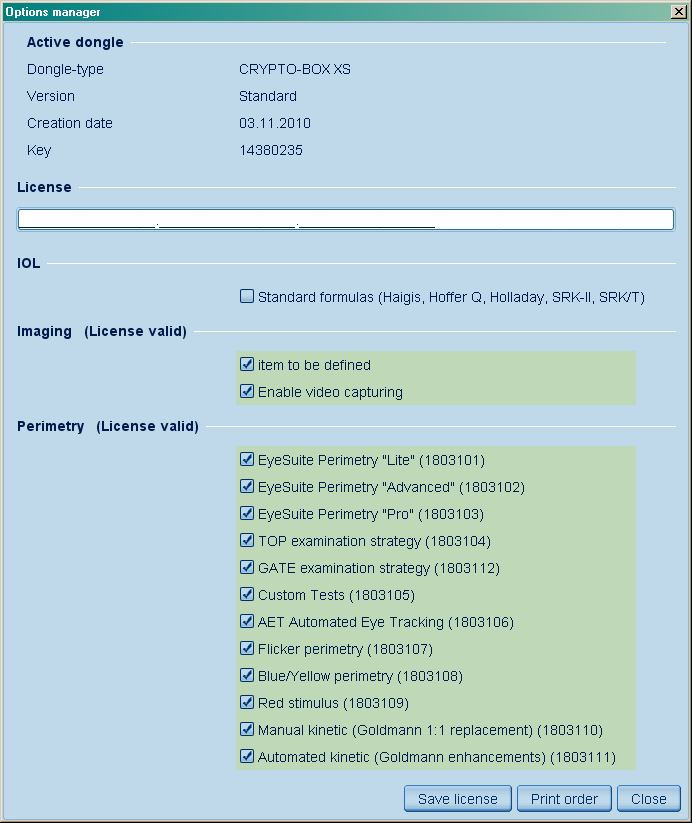
Enter the code you received into the "License" field. Your code may use just one third, two third or the whole field length. After entering the code, click on "Save license".
Now all purchased options become highlighted and are available for use.
|