Haag Streit LENSTAR® - Program Functions
Restore Database
Tools -> Database -> Restore
Click on images to enlarge for better viewing.
Click on Tools -> Database -> Restore in the menu to recover a backup copy into the system. In multi-user mode of EyeSuite you need administrator permissions to recover a database. This high level of safety is required to ensure no data loss that might be caused by overwriting an existing database. Restoration of a backup overwrites the existing data base irreversible.
CAUTION: The restoration of a backup copy results in irreversible deletion of the current database. You should save the current database to another location before restoring the backup copy. For further details, please refer to the section entitled "Backup of the entire database".
Starting the restore, EyeSuite is going to ask the user to perform a backup prior to the restore to prevent data loss in case the restore fails or in case the user wants to go back to the data just about to be overwritten by the restore.

Select "YES" if a backup should be performed prior to the restore, see "Backup of entire database" for details. Select "NO" if a backup of the current database already exists and no additional backup is needed prior to the restore Select "Cancel" to abort the restore process
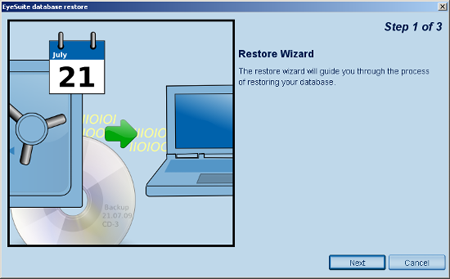
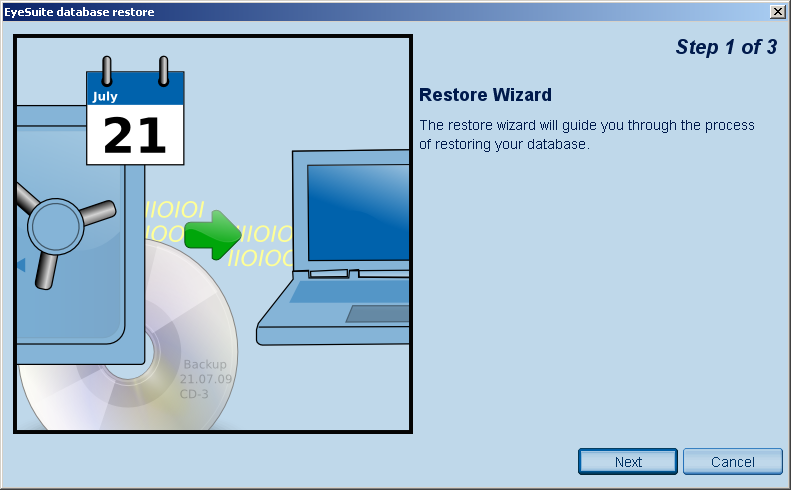
EyeSuite starts the restore wizard to guide the user through the restore process.
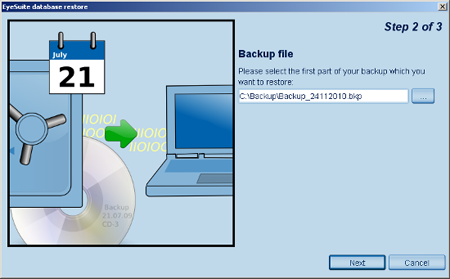
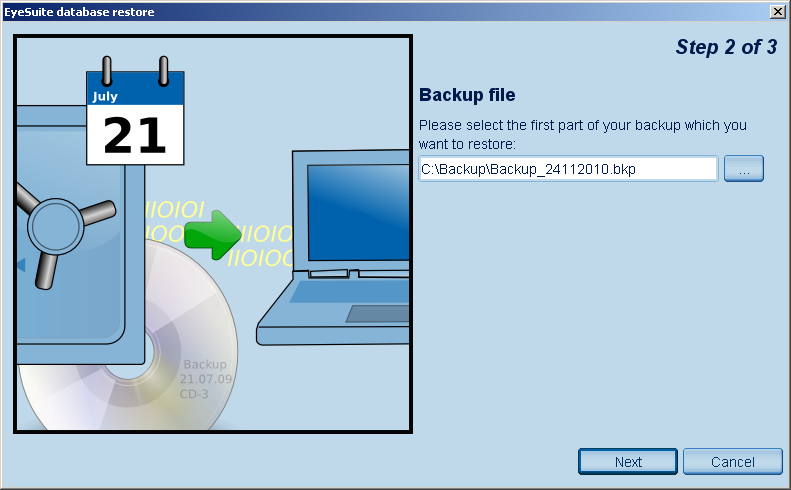
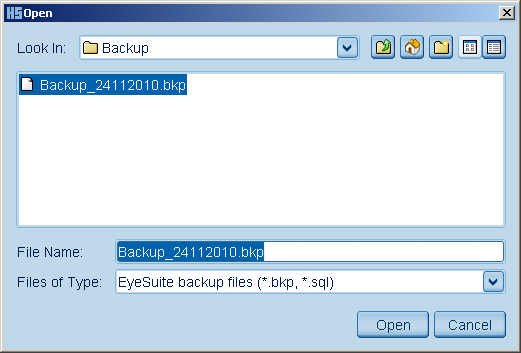
You should now select a backup copy. Press the
 browse button to select the file. browse button to select the file.
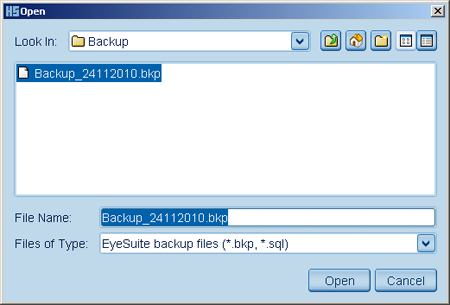
EyeSuite lets you recover data from SQL files (backups created by previous versions of EyeSuite) or BKP files (backups created by EyeSuite Basic module V 1.3.0 or later).
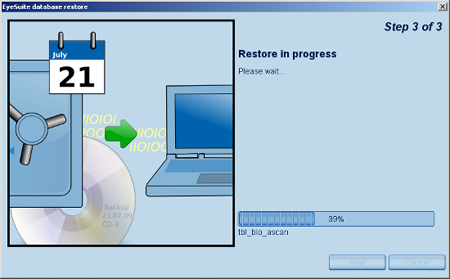
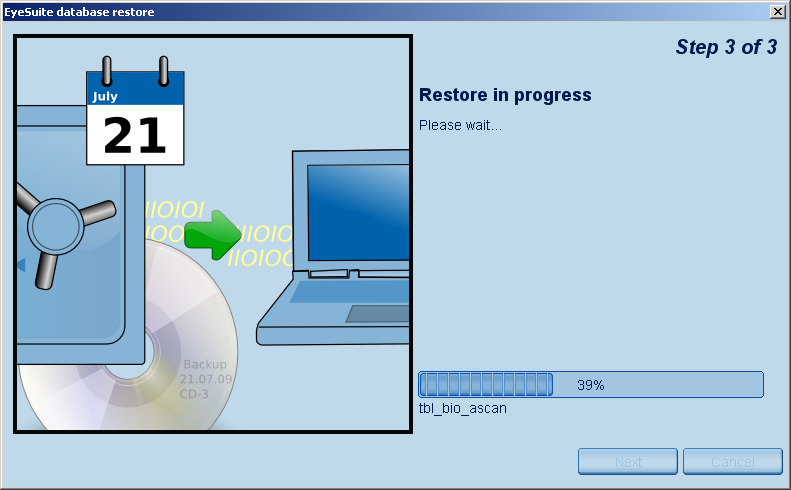
It may take some time to recover a database, as the file may be several gigabytes in size.
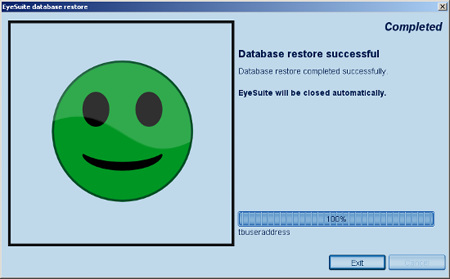
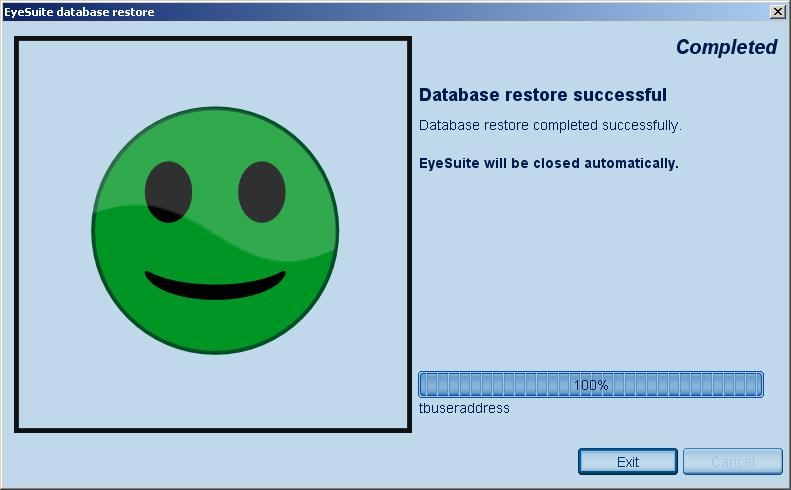
Recovery completed successfully.
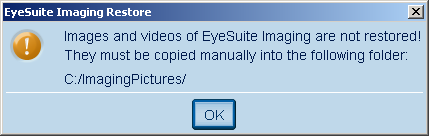
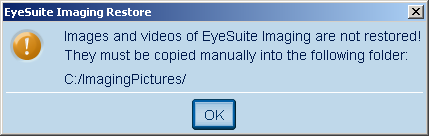
Please manually copy the images of the EyeSuite imaging application to c:\ImagingPictures (if default storage location for the images has not been changed in the imaging settings of EyeSuite), as these are not covered by the automatic backup and restore process of EyeSuite.
EyeSuite shuts down automatically to allow the database to be reopened.
|