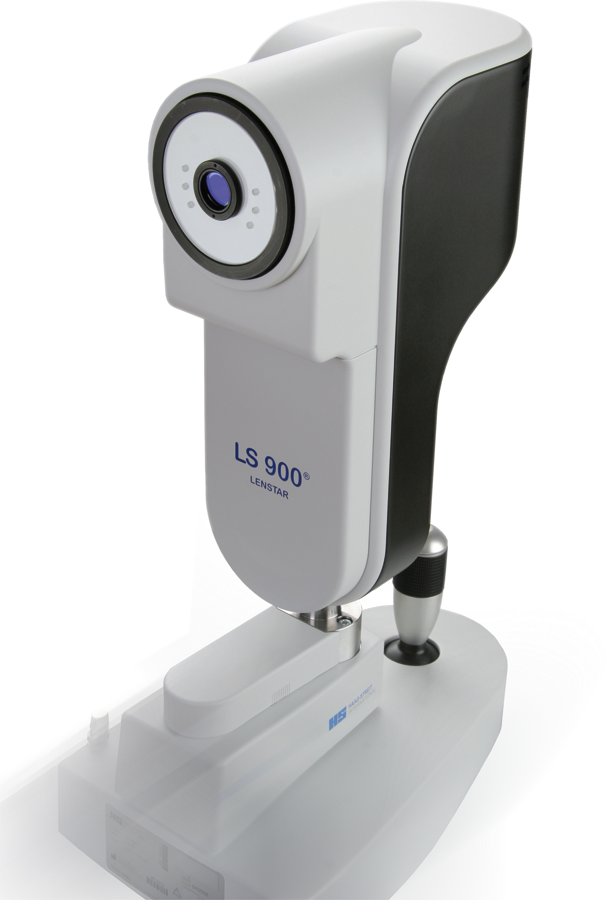
Haag Streit LENSTAR®.
Troubleshooting
Click on images to enlarge for better viewing.
Database Problem:
Database cannot be removed using HeidiSQL (Error message: SQL Error (1010): Error dropping database (can't rmdir '.\octosoft\', errno: 17)
Solution -
Most probably the MySQL repair script has been used on this table and at least one table was corrupt for which a backup file (e.g. tbl_basic_examination.MYI.bak) has been created within the MySQL data directory (e.g. C:\Program Files\MySQL\MySQL Server 5.0\data\octosoft\).
To remove the database properly:
- Exit EyeSuite
- Stop the MySQL Server (net stop mysql) in Command Line Tool
- Open the data directory (e.g. C:\Program Files\MySQL\MySQL Server 5.0\data\) in Windows Explorer
- Remove the folder which matches the database name you want to remove
- Restart the MySQL Server (net start mysql) in Command Line Tool
Japanese Locale Problem:
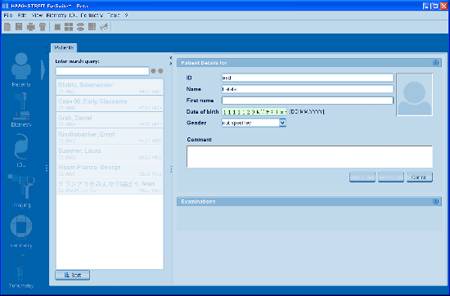
If the Japanese keyboard layout on a Japanese system is selected and the Input Mode is set to anything else than "Direct Input" (e.g. Hyragana, etc.) it is not possible to enter the date of birth within the patient details panel (Patient Manager).
Solution -
Change the input mode (keyboard layout selector at the top right of the screen) to "Direct Input"

|